As I mentioned in one of my previous posts, Carto’s careers page has a number of tests that are proving to be useful and fun personal projects.
The next project I decided to have a go at was, Laying the foundation stone for an Open Data catalog
The basic idea is:
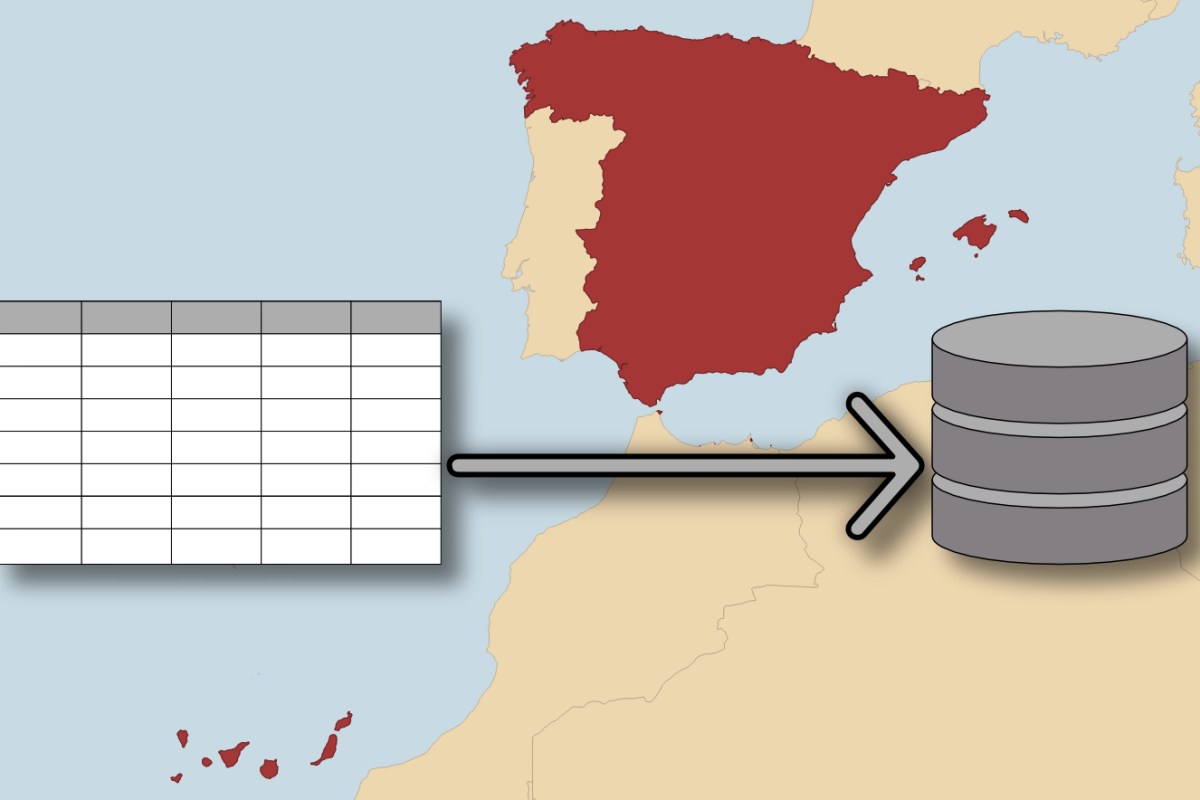
- Get the data, tables containing statistical data from the Spanish census and geometry of municipalities as shapefiles
- Import the data into a PostgreSQL/PostGIS instance, there should be two tables, one for the geometry and one for the statistical data
- Combine the data and description files from the previous step in order to create a table with statistical indicators
- Write a couple of SQL queries to address the following: Get the population density of each of the municipalities of Madrid, Get the name of the 10 provinces with the highest percentage of people with university degrees
Building my solution, I wanted to focus on the things that would be more interesting. So I haven’t used python to download and unzip the data, as this would be straightforward and uninteresting for me. I just downloaded it myself.
I have also assumed that the task expects that the database has already been built and the python script just needs to create and populate the tables, not set up the whole database. I created my PostGIS database using a combination of postgresapp and DBeaver
I have outlined my script below and just wanted to point out the libraries I have used and what they were used for in general terms:
- Pandas – wrangling and prepping the census CSVs
- Geopandas – wrangling and prepping the shapefiles
- psycopg2 and SQLAlchemy – Getting the data handled by pandas/geopandas into the database
import os
import geopandas
import psycopg2
import pandas
from sqlalchemy import create_engine

#database name
db = 'db_name'
#database user
db_user = 'db_user'
#database hostname
db_host = 'db_host'
#database use password
db_password = 'db_password'
engine = create_engine('postgresql+psycopg2://'+db_user+':'+db_password+'@'+db_host+'/'+db)
#path to location of indicadores_seccion_censal csvs
path_to_csv_folder = '/indicadores_seccion_censal_csv/'
#path to folder containing shapefiles
path_to_muni_shp_folder = '/shapefiles/'

#Prep CSV to a pandas dataframe
csv_names = os.listdir(path_to_csv_folder)
csv_paths = [path_to_csv_folder+csv_file for csv_file in csv_names]
df_list = [pandas.read_csv(f, dtype = {'cpro':str,'cmun':str}) for f in csv_paths]
for entry in df_list:
    entry['id_ine']=entry['cpro']+entry['cmun']
full_df = pandas.concat(df_list)
#Write pandas dataframe to db table
full_df.to_sql('indicadores_seccion_censal', con=engine)

#This section reads the municipality shape as preparation to send to postGIS
shp_names = os.listdir(path_to_muni_shp_folder)
shp_paths = [path_to_muni_shp_folder+shp_file for shp_file in shp_names if shp_file[-3:] == 'shp']
gdf_list = [geopandas.read_file(path) for path in shp_paths]

#This section writes the municipality geometry file to postGIS table
try:
    conn = psycopg2.connect(f"dbname={db} user={db_user} host={db_host} password={db_password}")
except:
    print ("Can't connect to database")
cur = conn.cursor()
#Create tables
cur.execute("CREATE TABLE muni_poly (id_ine text, name text, geom geometry);")
cur.execute("ALTER TABLE muni_poly ALTER COLUMN geom type geometry(Geometry, 4326);")
#Populate rows with geometries
for shapefile in gdf_list:
    for index, row in shapefile.iterrows():
        in_geom = 'SRID=4326;'+row.geometry.wkb_hex
        in_name = str(row.rotulo)
        in_id = str(row.id_ine)
        SQL = "INSERT INTO muni_poly(geom,name,id_ine) VALUES ((%s::geometry), (%s), (%s));"
        data = (in_geom, in_name, in_id)
        cur.execute(SQL,data)
conn.commit()
cur.close()
conn.close()
I have also created a couple of the SQL Queries as suggested in the test.
This query returns the population per square kilometre of the municipalities of Madrid province. (cpro is the attribute containing province codes, Madrid’s code is 28, id_ine are the municipality codes)
SELECT
	p.name,
	SUM(t1_1),
	isc.id_ine,
	st_area(st_geogfromwkb(p.geom))/1000000 AS area_sq_km,
	ROUND(CAST(SUM(t1_1)/(st_area(st_geogfromwkb(p.geom))/1000000) AS NUMERIC),2) AS pop_per_sq_km
FROM
	indicadores_seccion_censal isc
INNER JOIN
	muni_poly p ON isc.id_ine = p.id_ine
WHERE
	isc.cpro = '28'
GROUP BY
	isc.id_ine,
	p.name,
	p.geom
ORDER BY
	pop_per_sq_km DESC;
I have included the top 5 rows from the result of this query ie. the municipalities in Madrid with the highest population densities in descending order.
| name | sum | id_ine | area_sq_km | pop_per_sq_km |
| Coslada | 89065 | 28049 | 12.1999175227833 | 7300.46 |
| Madrid | 3186620 | 28079 | 605.96972768848 | 5258.71 |
| Fuenlabrada | 196880 | 28058 | 39.7331796114383 | 4955.05 |
| Alcorcón | 166635 | 28007 | 34.0923554031632 | 4887.75 |
| Parla | 121830 | 28106 | 25.0802725155268 | 4857.6 |
Below is my query that provides the 10 municipalities with the highest proportion of people with university degrees.
SELECT
	SUM(t1_1) AS province_pop,
	isc.cpro AS province_code,
	SUM(t12_5) AS tot_degree,
	ROUND(CAST(SUM(t12_5)/SUM(t1_1)*100 as numeric),2) AS perc_degree
FROM
	indicadores_seccion_censal isc
INNER JOIN
	muni_poly p ON isc.id_ine = p.id_ine
WHERE
	t12_5 IS NOT NULL
GROUP BY
	isc.cpro
ORDER BY
	perc_degree DESC
LIMIT 10;
| province_pop | province_code | tot_degree | perc_degree |
| 6386740 | 28 | 1487375 | 23.29 |
| 1149535 | 48 | 221945 | 19.31 |
| 703775 | 20 | 128690 | 18.29 |
| 528700 | 47 | 96535 | 18.26 |
| 5468955 | 8 | 989245 | 18.09 |
| 318120 | 1 | 56805 | 17.86 |
| 634830 | 31 | 111760 | 17.6 |
| 345730 | 37 | 59910 | 17.33 |
| 965535 | 50 | 163390 | 16.92 |
| 1038690 | 33 | 172905 | 16.65 |
I haven’t got the province names loaded into the database at the moment. But once those are, it would just be a simple join on the province code attribute.
Like my last post about one of these Carto test projects, I plan to add some more to this post about some of the choices and decisions I made , but I was keen to get this post up so I can share it first.
 rossgeo